
Junia AI SEO Features Review: How Good Is the Competitive Analysis Really?
Junia AI aims to address the common challenge of producing high-ranking content quickly without the hassle of using multiple tools. This review centers on its main proposition: you select competitor articles, Junia identifies what makes them rank, and then generates a draft designed to be “superior,” complete with SEO elements. While this workflow can significantly save time, the platform’s process of “analyzing” competitors is more akin to guided content generation than true in-depth SEO analysis.
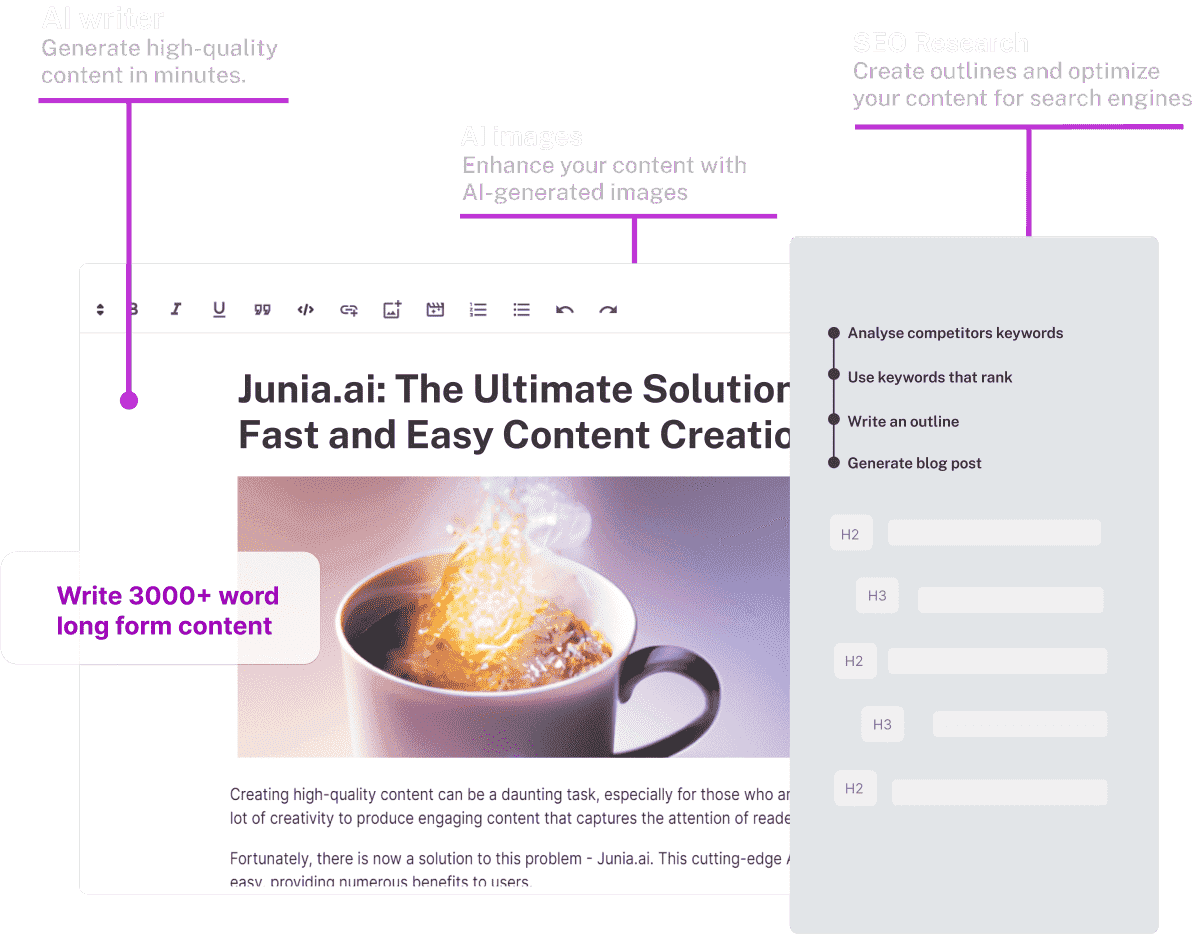
What Junia AI Is (and what it is not)
Junia AI positions itself as an AI SEO writer that can generate and auto-publish articles designed to rank on Google and to get cited by AI assistants. The homepage leans hard into “done for you” publishing and into structured content that search systems can parse. That matters because ranking content rarely fails on “writing.” It fails on consistency, structure, and follow-through.
But Junia AI is not a full SEO suite. It does not present itself as a technical crawler, a backlink intelligence platform, or a rank tracker. Instead, it behaves like a production engine that pulls inputs from keywords, competitor pages, and your own context. Think of it as a content assembly line with a competitor-informed blueprint.
How the Competitive Analysis Works (based on Junia’s workflow)
Step-by-step: the competitive inputs that shape the output
Junia’s Blog Post Workflow makes the competitor step explicit. After you enter a topic and keywords, you choose articles from competitors. The documentation says the competitor articles should relate to your content and that the AI will “examine and understand the factors contributing to their higher rankings” then generate a better article. You can also manually enter URLs if you prefer.
From there, you add configuration inputs:
- Additional instructions, like “include a strong call to action”
- Background information, ideally pulled from Infobase
- Optional writing style and tone, optionally imported from Brand Voice
- Word count target
- Optional auto internal and external linking
Then you generate an outline, you edit it, and you generate the final article.
Here’s the practical translation. Junia’s “competitive analysis” mainly means it uses competitor pages as reference documents. That can be powerful because it anchors the draft to what already satisfies search intent.
Where this approach can outperform “blank page AI writing”
Competitor-driven generation gives you three immediate advantages.
First, it reduces the odds of missing obvious subtopics. If every ranking page covers “X” then your article probably needs “X” too.
Second, it stabilizes structure. Most SERPs converge on a pattern. Junia’s outline stage lets you see that pattern and to adjust it before you burn credits generating a full draft.
Third, it speeds up intent matching. If competitors rank then they likely align with what searchers want. Using those URLs as inputs pushes your content toward that intent, not toward whatever the model feels like writing today.
Where it can fail or mislead
The competitor step also creates a silent risk. Your output quality now depends on your competitor selection skill.
Pick outdated pages, thin pages, or pages ranking due to domain authority alone and you get misleading signals. You may end up copying structural habits that work for them but will not work for you.
Also, SERPs do not stand still. Freshness, locality, and content format can shift the “best” answer. A workflow that treats competitor pages as a stable truth can lag behind the actual market.
Junia AI SEO Features Review: What you actually get
AI Article Workflow and editor-driven refinement
Junia’s documentation frames the workflow as an all-in-one package: internal and external linking, keyword research, AI-generated images, SEO metadata, and FAQ. It also claims the platform can generate 6000 words at once.
After generation, Junia pushes you back into the editor for refinement. The docs even recommend a minimum of 4000 words for a completed article if you want front-page results. That advice feels opinionated, but it does reflect a reality for many competitive queries where thin content struggles.
Junia’s “Expand” feature becomes the lever. You highlight sections and expand them to add detail and to hit length targets.
Auto-linking and why the paid-only note matters
Auto internal and external linking can be a real differentiator if it works well. Junia says the AI analyzes a list of webpages you provide and integrates them naturally.
But the docs also state a key limitation: auto-linking is only available in the paid plan currently.
That matters because linking is not decorative. Internal linking shapes crawl paths, distributes authority, and clarifies topical clusters. If you expected that feature in a free tier then you need to recalibrate.
FAQs and structured data guidance
Junia includes FAQs and places them in an SEO tab. The docs recommend adding FAQs with structured data to increase the chances of faster indexing.
That is a smart nudge for beginners. It pushes users toward schema-aware publishing, which tends to improve how content renders and how it gets interpreted.
AI-generated images
Junia generates a feature image by default.
This is useful for speed. It is also an area where you should stay alert. Generic images can dilute credibility, especially in product review content where specificity builds trust.
Brand Voice and Infobase for factual grounding
Junia’s Brand Voice feature lets you upload documents or URLs that represent your tone. Then Junia generates a description of your brand voice and applies it across tools.
Infobase is the more practical feature for accuracy. It acts as a reusable knowledge repository where you can upload documents or web URLs. Then Junia can reference that information across chat, templates, the AI editor, and the blog workflow.
If you care about factual product claims, this is the feature to take seriously. It gives the model something concrete to pull from.
Market reality check: what “competitive analysis” should include
A real competitive SEO analysis usually includes more than reading competitor articles.
It includes intent mapping and it includes query expansion. It looks at content gaps by subtopic and by entity coverage. It checks internal linking and information architecture. It also considers authority signals like backlinks and brand strength.
Junia AI covers a meaningful slice of that world. It helps you draft content that looks like what the SERP rewards. It also helps you publish consistently. That is not nothing. In fact, consistency is where most teams fail.
But Junia does not replace deeper investigative tools. If you need backlink audits, technical fixes, or rank monitoring then you still need dedicated SEO software and a process.
Who should use Junia AI and who should not
If you run a small site and you struggle to publish, Junia’s workflow will feel like a cheat code. You feed it competitor URLs and you get an outline plus a draft plus SEO components fast.
If you operate in a regulated niche, you will need to be stricter. Use Infobase, cite primary sources, and treat output as a draft that needs verification.
Also, if your SEO program depends on testing, attribution, and iteration, Junia fits as a production layer. It does not replace analysis discipline.
Pros
- Competitor URL workflow speeds up intent-aligned drafting
- Generates outlines you can edit before creating full content
- Includes FAQs plus SEO metadata guidance in one flow
- Infobase helps anchor content to your real facts
- Direct CMS publishing support is a clear time saver
Cons
- Competitor choice bias can weaken the “analysis” fast
- Auto-linking is paid-only per Junia’s documentation
- Word count advice skews very long and may not fit all SERPs
- AI images can feel generic without careful review
- Not a replacement for audits, tracking, or backlink research
Junia Rating
★★★★☆ (4/5)
Technical Info
- Blog Post Workflow includes linking, images, metadata, and FAQs
- Can generate up to 6000 words at once
- Auto-linking integrates provided webpages and feels “natural”
- Auto-linking currently only available on paid plan
- Feature image generated by default
- FAQs included and schema recommended for faster indexing
- Brand Voice built from documents, URLs, or typed brand details
- Infobase supports files and web URLs as reusable knowledge items
- CMS publishing integrations listed: WordPress, Shopify, Webflow, Wix, API
Verdict
Junia’s competitor-based workflow produces strong drafts fast. The competitive analysis helps structure and coverage. It does not replace true SEO research tools, but it shines as a production engine.
Q&A
Is Junia AI’s competitive analysis “real SEO analysis”?
It is competitor-guided content generation. It uses competitor pages to shape structure and coverage.
Do you still need to edit Junia AI output?
Yes. The docs explicitly recommend adding finishing touches in the editor for front-page goals.
What feature most improves accuracy for product reviews?
Infobase. Upload specs, policies, and primary sources so Junia references your facts.